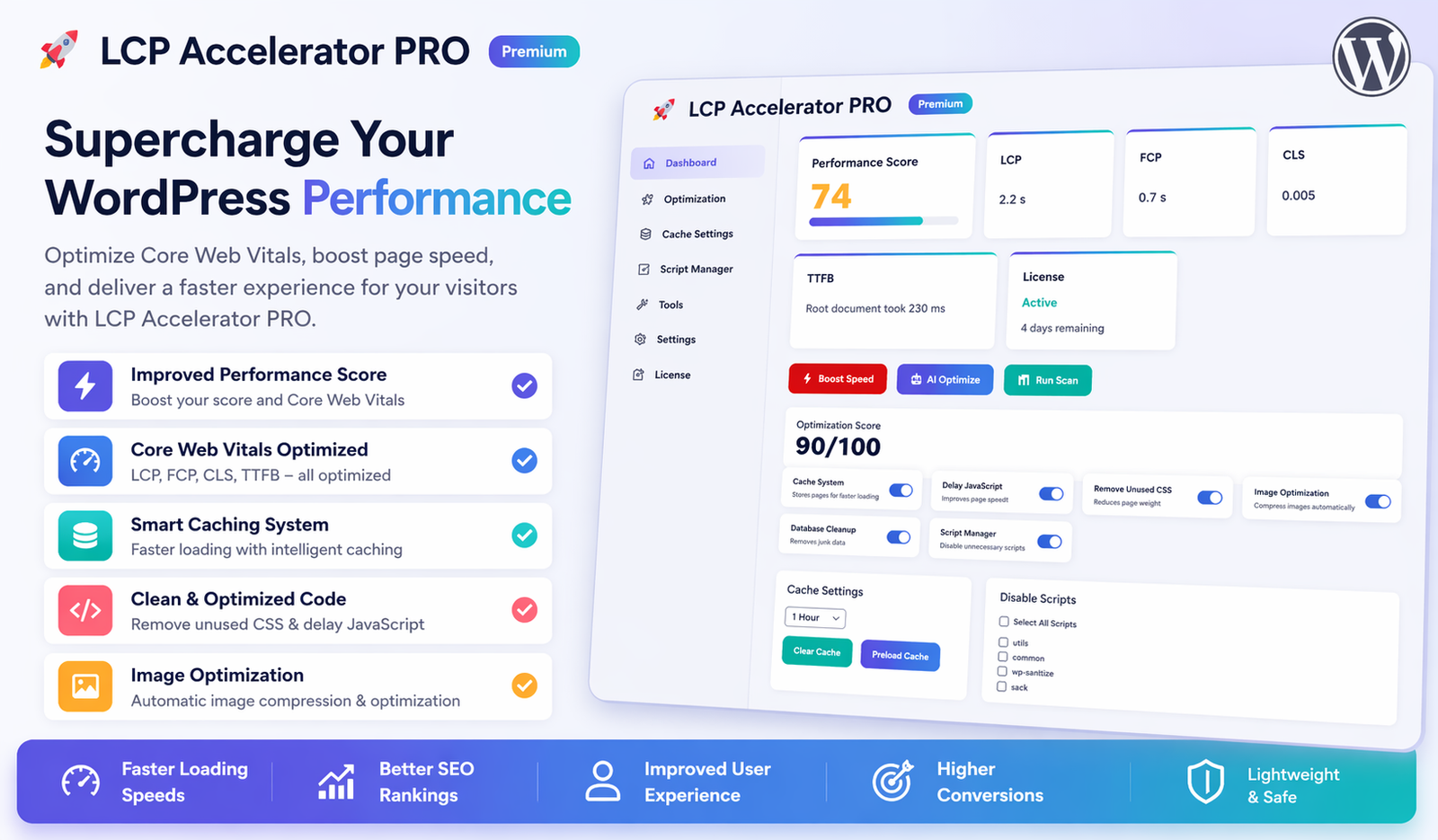
LCP Accelerator is a WordPress plugin designed to help improve page load performance, with a particular emphasis on Largest Contentful Paint (LCP)—a Core Web Vitals metric used by Google to evaluate user experience.
The plugin aims to optimize how quickly the main visible content of a page loads, which can contribute to better usability and performance insights.
Key Features (Free Version)
The free version available on the WordPress Plugin Directory includes a set of commonly used performance enhancements:
- Basic optimization for above-the-fold content
- Deferring certain scripts to reduce render-blocking
- Lazy loading for images
- Preloading of key page elements (where applicable)
These features are intended to support general performance improvements without requiring advanced technical setup.
Why LCP Optimization Matters
Largest Contentful Paint (LCP) measures how quickly the main content of a page becomes visible to users.
Improving LCP can help:
- Reduce perceived load time
- Improve user engagement
- Align your website with Core Web Vitals recommendations
However, results may vary depending on your hosting environment, theme, and other installed plugins.
About the Pro Version
A premium version of LCP Accelerator is available through its official website:
The Pro version may include additional features such as:
- Extended performance configuration options
- Advanced optimization controls
- Priority support from the developer
Since features and pricing can change, it is recommended to review the official website for the most accurate and up-to-date information before purchasing.
Installation Overview
To use the plugin:
- Install the free version from the WordPress Plugin Directory
- Activate it through your WordPress dashboard
- Configure basic settings as needed
For the Pro version:
- Purchase from the official website
- Download the plugin file
- Upload it via your WordPress dashboard
- Activate using the provided license (if applicable)
Who Should Consider Using It?
This plugin may be suitable for:
- Bloggers looking to improve page load speed
- Small business websites
- Developers testing performance improvements
- Agencies managing multiple WordPress sites
As with any optimization tool, testing on a staging environment is recommended before applying changes to a live website.
Final Thoughts
LCP Accelerator offers a focused approach to improving a key performance metric in WordPress. While it may not replace a full performance optimization strategy, it can be a useful addition depending on your website’s needs.
Always evaluate plugins based on your specific setup, and consider combining them with good hosting, optimized images, and efficient themes for best results.