For nearly two decades, WordPress has been known for making website creation simple and accessible. From the classic “five-minute install” to modern hosting solutions, the goal has always been to reduce barriers and empower creators.
Now, WordPress is taking a major step forward.
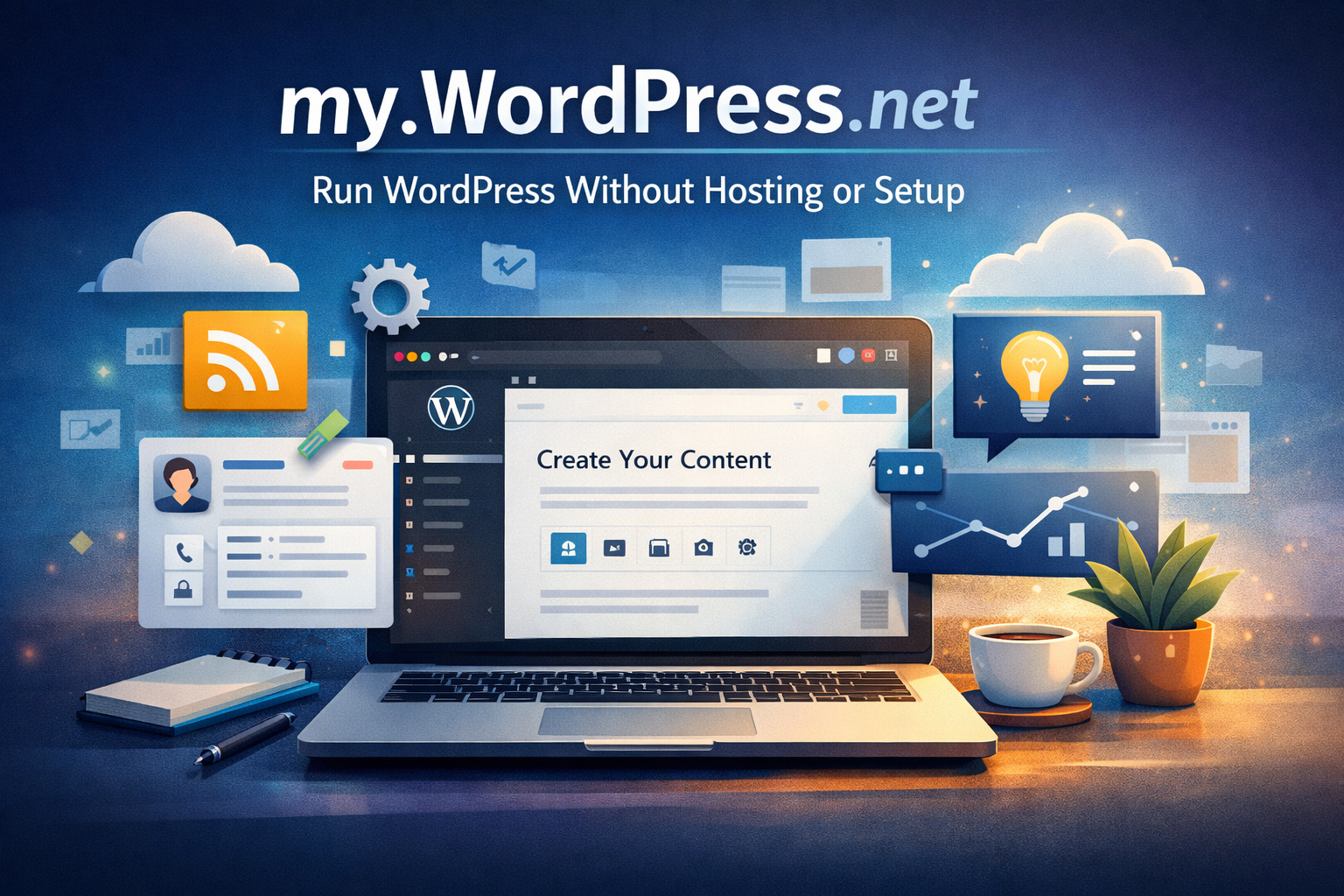
my.WordPress.net introduces a completely new way to use WordPress — one where you don’t need hosting, sign-ups, or technical setup. It transforms WordPress into a browser-based experience that is instant, private, and entirely under your control.
What is my.WordPress.net?
my.WordPress.net is a browser-powered WordPress environment that runs fully on your device. It is built using WordPress Playground technology, allowing you to launch a complete WordPress setup instantly without installing anything.
There is no need to:
-
Choose a hosting provider
-
Buy a domain
-
Create an account
You simply open it, and WordPress is ready to use.
Unlike demo environments, this setup is not temporary. Your work remains saved in your browser, making it a persistent personal workspace.
A New Way to Experience WordPress
Traditionally, WordPress has been something you set up before you begin creating. With my.WordPress.net, that process is reversed.
You start creating immediately.
This shift changes how people interact with WordPress. Instead of being a tool you configure, it becomes a space you work inside — similar to a digital notebook or creative workspace.
It removes the pressure of making early decisions and allows users to focus purely on ideas and content.
Private and Fully Controlled
One of the most powerful aspects of my.WordPress.net is privacy.
Websites created here are not publicly accessible. They exist only within your browser and are not hosted on the internet. This makes it ideal for:
-
Drafting blog posts
-
Testing ideas
-
Learning WordPress
-
Building personal tools
Since everything is stored locally, you have full control over your data.
Key Features
my.WordPress.net offers a range of unique benefits that set it apart from traditional WordPress setups.
Instant Access
You can start using WordPress immediately without any setup or configuration.
Persistent Environment
Your work stays saved in your browser, unlike temporary demo sites.
No Hosting Required
There are no servers, hosting plans, or maintenance involved.
Safe Experimentation
You can test plugins, themes, and features without affecting any live website.
AI Integration Potential
The platform allows AI tools to interact with your WordPress environment, making customization and experimentation easier than ever.
Turning WordPress into a Personal Tool
my.WordPress.net changes the role of WordPress from a publishing platform into a personal productivity tool.
You can use it as:
-
A content drafting space
-
A knowledge base
-
A personal CRM
-
A research and idea organizer
This flexibility opens up new possibilities beyond traditional website creation.
Built-In App Possibilities
To showcase its potential, my.WordPress.net supports pre-configured applications that can be installed instantly.
These include:
Personal CRM
Manage contacts, add notes, and set reminders to stay connected with people.
RSS Reader
Follow websites and read content without ads or algorithm-driven feeds.
AI Workspace
Create a personalized knowledge system where AI can assist in organizing and retrieving information.
Each application can be installed and configured with minimal effort, making WordPress more versatile than ever.
Benefits for Creators and Marketers
This new approach is especially useful for both beginners and professionals.
For Beginners
It provides a safe environment to learn WordPress without fear of making mistakes.
For Content Creators
It allows you to draft and refine content before publishing it live.
For Developers and Designers
It enables quick prototyping of websites, landing pages, and features.
For Agencies
It can be used to create demo projects, test ideas, and train team members efficiently.
Limitations to Consider
While my.WordPress.net is powerful, there are a few limitations to keep in mind:
-
Storage is limited to around 100MB
-
Each device has its own separate setup
-
Data is stored locally and not synced automatically
-
Manual backups are recommended
These limitations are important, especially if you plan to use it for long-term projects.
Best Use Cases
my.WordPress.net is best suited for:
-
Blog drafting and content planning
-
SEO experimentation
-
Plugin and theme testing
-
Learning WordPress
-
Personal productivity systems
It is not meant to replace traditional hosting but to complement it.
Conclusion
my.WordPress.net represents a significant shift in how WordPress can be used. By removing technical barriers and focusing on simplicity, it allows anyone to start creating instantly.
It transforms WordPress from a platform you prepare for publishing into a space where you can think, experiment, and build freely.
Whether you are a beginner exploring WordPress or a professional looking for a faster workflow, this new approach offers a powerful and flexible way to create.